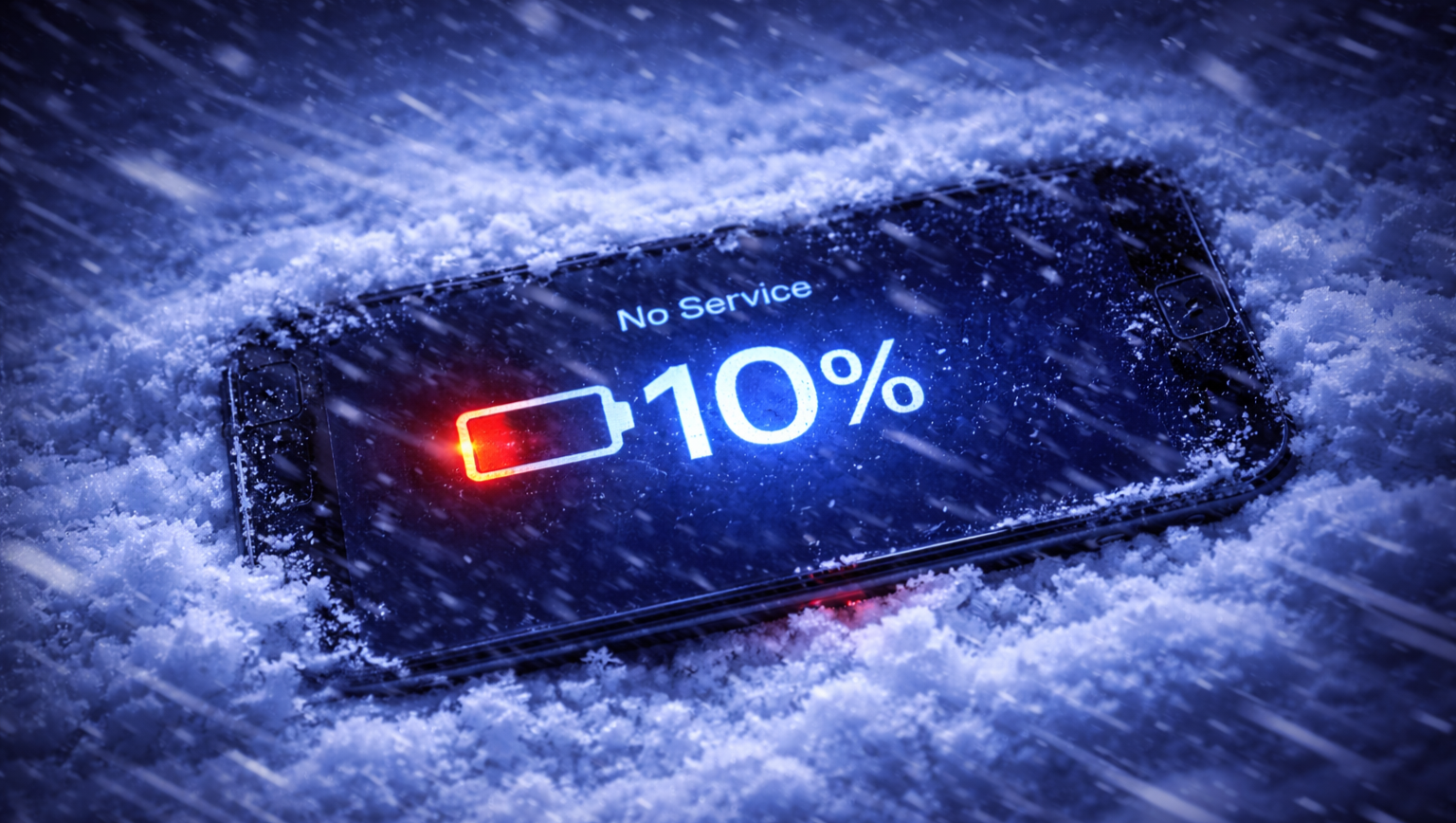
PROVIDENCE — As blizzard conditions intensify across Rhode Island, residents in Providence, Warwick and surrounding communities are being urged to conserve cellphone battery life ahead of potential overnight power outages.
During a blizzard, mobile devices may become the primary source for emergency alerts, road closures and communication with family members. Preserving battery power early can help extend access to critical information if outages continue through the night.

Officials recommend taking the following steps immediately.
Lower Screen Brightness
Bright screens consume significant battery power.
On iPhone, open Settings, tap Display & Brightness and lower the brightness level.
On Android, open Settings, tap Display and reduce brightness or adjust it through the quick settings panel.
Turn On Low Power or Battery Saver Mode
Low Power settings limit background activity and extend battery life.
On iPhone, go to Settings → Battery and enable Low Power Mode.
On Android, open Settings → Battery and activate Battery Saver or Power Saving Mode, depending on the device.
Use Text Instead of Calling
Blizzard conditions can strain cellular networks. Text messaging typically requires less signal strength and battery usage than voice calls.
Disable Nonessential Features
Turn off Bluetooth, Wi-Fi if unavailable, location services and background app refresh. Close unused apps running in the background.
Limit Frequent App Refreshing
Repeatedly checking weather or social media apps can quickly drain battery life. Officials advise checking updates periodically rather than continuously.
With heavy snow continuing across Providence and Warwick, conserving battery power now may help ensure continued connectivity if outages occur overnight.